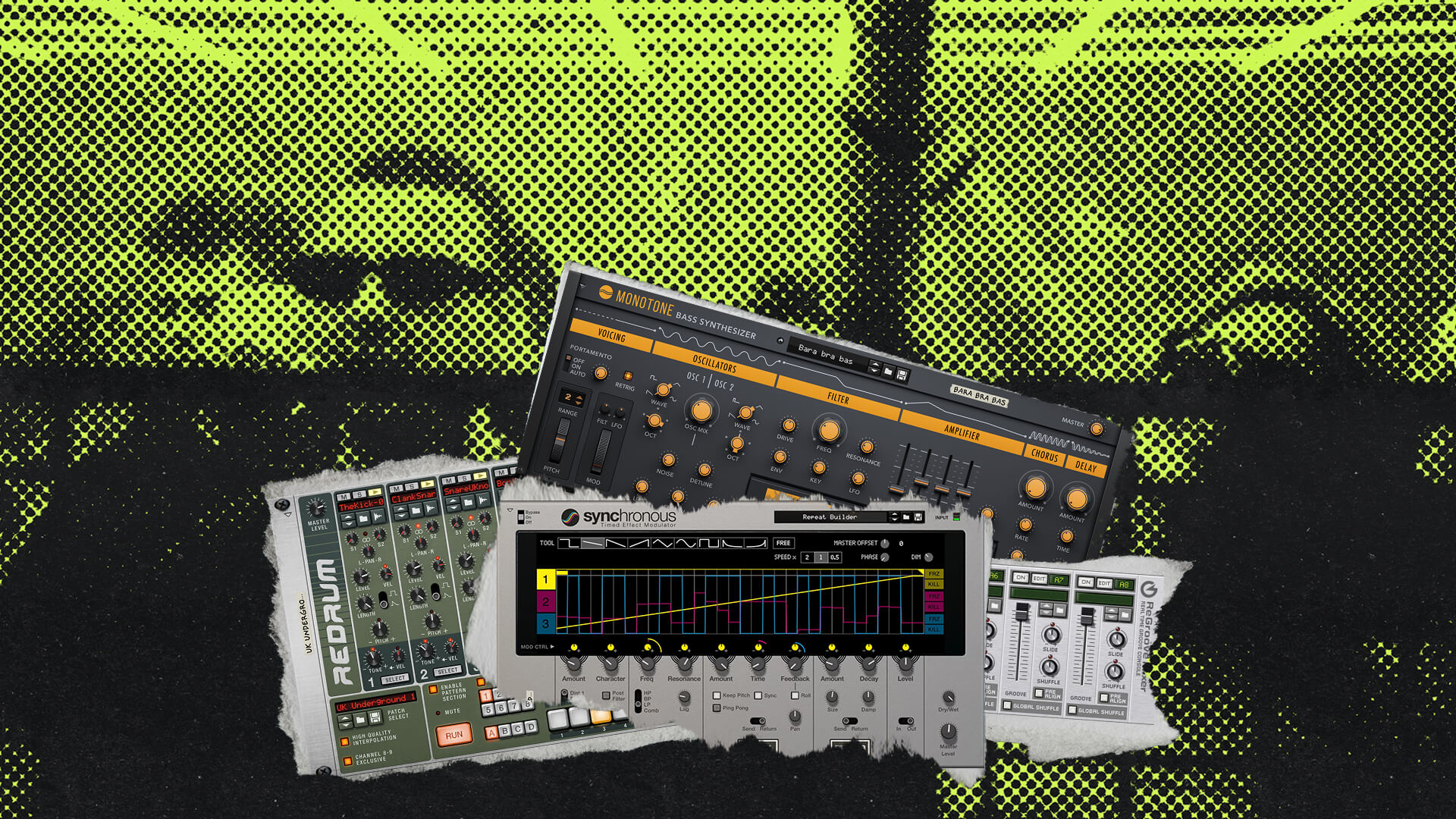
Using the Reason Rack Plugin in Reaper
The Reason Rack Plugin (RRP) brings the entire Reason ecosystem directly into Reaper. Once installed, you can load the RRP as you would any other VST3 or AU plugin by dragging it from the FX browser onto a track or the track panel area.
You can use the Rack for instruments or as an FX processor. However, the most powerful workflow involves using Reason’s Players and routing that MIDI data into Reaper’s sequencer for further manipulation.
Importing MIDI from ReDrum and Dr. Octo Rex
You can quickly move patterns from Reason’s drum machines and loop players directly into Reaper’s timeline using the MIDI Drag feature:
- Insert the Reason Rack Plugin into a track.
- Load ReDrum or Dr. Octo Rex.
- Program a pattern or select a loop.
- Locate the MIDI Drag icon (the music note icon with the down arrow).
- Left-click and drag that icon from the Rack onto the Reaper timeline.
To organize these sounds, use Reaper’s “Explode MIDI Note Rows” function. This splits the MIDI data by pitch, giving each drum sound its own dedicated track lane for easier mixing and processing.
How to Record MIDI from Reason Players into Reaper
To capture the output of Reason Players (like Scales & Chords or Dual Arpeggio) as MIDI notes in Reaper, you can use two primary routing methods.
Method 1: Internal Track Recording
- Create a new track and load the Reason Rack Plugin.
- Load a Player and a MIDI Out device directly underneath it in the Rack.
- If you want to trigger a VST, insert that instrument after the RRP in the FX chain.
- Right-click the track’s Record button and set the output to Record: output (MIDI).
- Arm the track and press record to capture the MIDI.
Method 2: Multi-Track Routing
- Track 1: Load the RRP with a Player and a MIDI Out device.
- Track 2: Load the instrument you wish to record.
- Right-click the Record button on Track 2 and set it to Record: output (MIDI).
- Create a Send from Track 1 to Track 2 by clicking and dragging between them in the mixer or track panel.
When you hit record, Track 2 will capture the MIDI generated by the Reason Player.
Pro Tip for Reason Instruments:
If you want to record the MIDI from a Player to trigger a Reason-native instrument like Europa or Monotone, simply load that instrument into a second instance of the Reason Rack Plugin on your destination track.
To save time in future sessions, you can save these routing configurations as Track Templates in Reaper. This allows you to recall your entire Reason-to-Reaper MIDI setup with a single click.
Conclusion
Integrating the Reason Rack Plugin into Reaper offers the best of both worlds: Reason’s unparalleled creative flow and Reaper’s deep technical flexibility.
By mastering these MIDI routing techniques, you can transform the Rack from a simple sound module into a powerful generative engine for your productions. Whether you’re dragging loops from Dr. Octo Rex or printing complex Player performances to your timeline, these workflows are designed to keep you in the creative zone. Now, open up a project, load the Rack, and start exploring.