Ableton Live users—have you tried using the Reason plugin in Ableton Live yet? It’s a workflow that allows you to get all that’s great about Reason while staying in Ableton Live, if that happens to be your preferred DAW. It’s easy to set up, just watch the video.
Transcript
- 00:00 – Intro
- 00:33 – VST/AU plugin formats in Live
- 01:15 – Building instruments with the Reason Rack
- 02:06 – Building effects chains
- 02:39 – Closing thoughts
Reason now runs everywhere. It’s a standalone DAW with its own sequencer, professional mixer, vocal correction tools, mastering workflows, and frankly, a time stretch that needs to be heard to be believed — it’s so good.
But Reason now runs everywhere else, too. So if you’ve come to rely on Ableton Live’s workflow for your music, you can still run the Reason Rack in Ableton Live, just like you would in Reason standalone, Pro Tools, Logic, Cubase, or Studio One — or any other DAW. But let’s get specific here and talk about the Reason Rack plugin in Ableton Live.
Reason runs both as a VST plugin and an Audio Unit plugin in Live. That means if you’re using Live 9 and earlier, the Reason Rack plugin will show up in your Audio Unit plugins. If you’re using Live 10, you can access the VST3 format too. To do that, you’ll want to make sure you turn on the “Use VST3 Plug-in System Folders” option in Live’s preferences, which — if you don’t have any other VST3 plugins yet — might be off by default.
There are two plugins you’ll find under Reason Studios; we’ll check them both out. The first one is called simply Reason Rack Plugin, and that’s for building playable Reason instruments and device chains on Live’s MIDI tracks.
If we create a MIDI track and drag the Reason Rack plugin onto it, we’ll see a blank Reason Rack appear. We could do something as simple as dragging in a single instrument, like Radical Piano, and our instrument is ready to play.
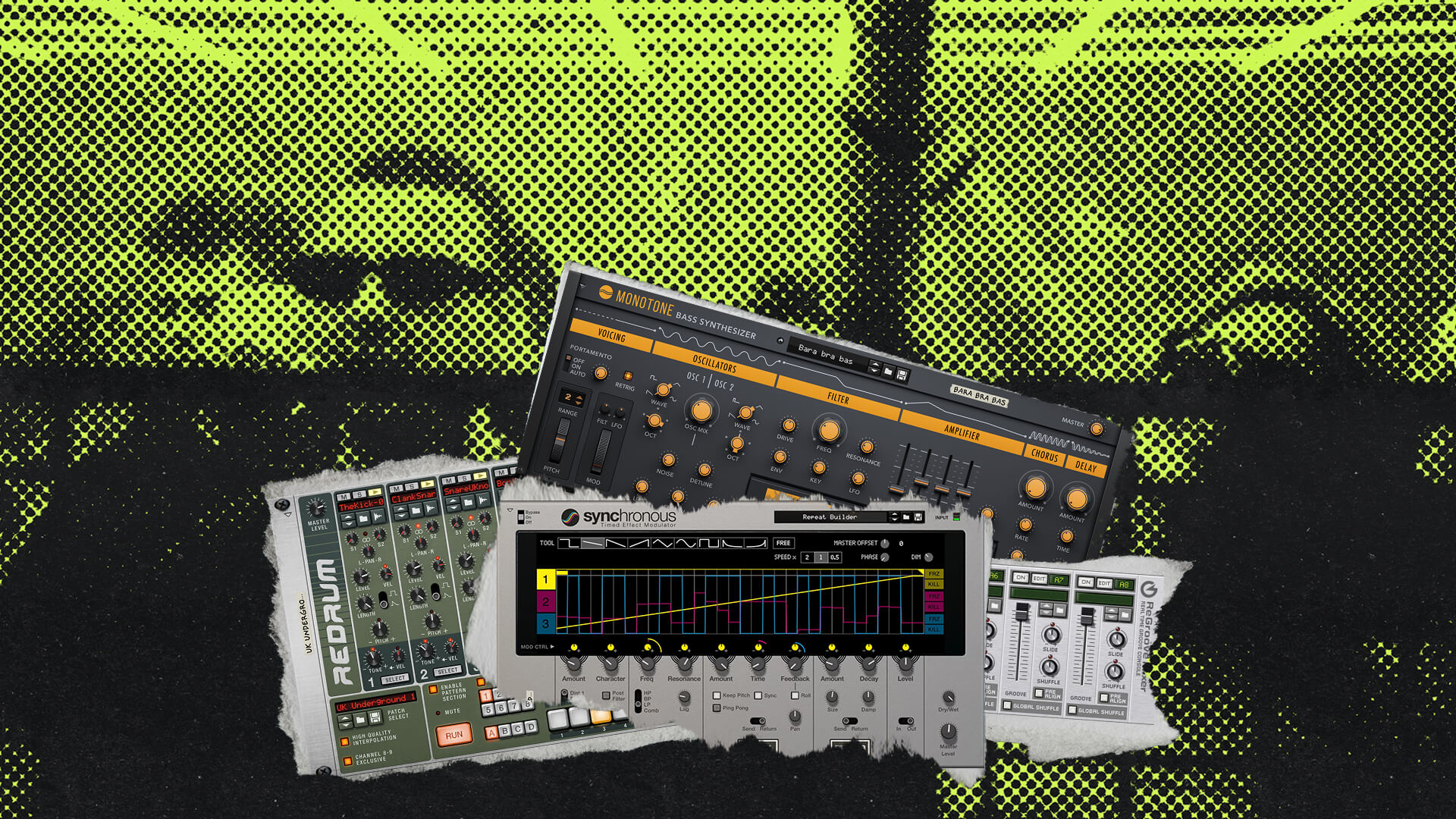
If I go back to the instruments, I can drag another one on top to replace it, and I could go to the effects and add devices below that — like some coloration and vibe with Audiomatic Retro Transformer, or something to really twist and shape our sound, like Synchronous. And just like that, we’re making custom Reason Rack plugin instruments in Ableton Live.
The Reason Rack doesn’t only build instruments, though. You can drag the Reason Rack Plugin Effect onto any audio track and build your own custom rack effects chains. We could drag in the devices which have been modeled after the SSL 9000K to turn Live’s mixer into a professional console, with channel dynamics, EQ, and that legendary buss compressor. Or we can add any of Reason’s other creative effect devices to our audio tracks, too.
There are so many more places we could go with this, and you should try out your own combinations — get to know Reason’s Rack devices. Because just when you’re starting to think you’ve explored it all, a whole new sound sends you down a whole new set of ideas. And that’s kind of the fun of the whole process.