Writing a new song can be an exhilarating experience. It can also be a major pain in the you-know-what.
We all want more of the former situation and less of the latter, right? Watch this video, where the excellent Chris Reed takes you on a deep dive into melody writing and shows you how you can use some of the helpful tools you have available to you right now in the Reason Rack.
Use Players such as Chord Sequencer and Note Echo, and even use your own voice to add a melody to a Reason instrument. Reason can provide a creative jolt to get your songwriting going. Check out the video now.
Transcript
- 00:00 – What is a melody?
- 00:23 – Pitch and rhythm
- 01:18 – Types of melodies: the introduction melody
- 02:16 – Why some melodies are memorable
- 02:52 – Repetition and sound selection
- 03:35 – Counter melodies
- 03:52 – Jumping into Reason: a melodic phrase and call and response
- 04:44 – Cheat code 1: generate a melody with Note Echo
- 05:39 – Seeing the notes Note Echo created
- 06:29 – The singable vocal melody
- 06:57 – Cheat code 2: sing your melody into Reason
- 07:56 – Changing the pitches and building chords
- 08:24 – Cheat code 3: make a melody from chords
- 09:34 – A bass line from the root notes
- 09:58 – Counter melody, pad, and drums
- 10:42 – Wrap-up
What is a melody?
What is a melody? A melody is a sequence of single notes that is musically satisfying, which is different from a chord, which is a layering of notes that is musically satisfying. There are two parts to a melody. The first part is the pitch: where is the pitch going? Is the pitch going up, or is the pitch going down?
Pitch and rhythm
The rhythm that you give to changes of notes and pitch creates a melody. If you play a string of notes very quickly, you get a melody like this. Or if you play a string of notes slowly, you get a melody like this. Or you can mix it up and have a variation of slow and fast rhythms in a single melody.
Types of melodies: the introduction melody
There are also different types of melodies. For example, I like to call this kind of melody an introduction melody. An introduction melody does exactly what it sounds like: it introduces you to the song. When you hear that, you pretty much know what song is going to play. But it’s not necessarily the melody that you would sing throughout the song. Actually, in that example, the melody you would sing throughout the song would be the vocal melody.
But you don’t always have to have a vocal in order for your melody to be easy to remember. As a matter of fact, I’m pretty sure we all know this melody, and if we have heard it once before, you will remember it when you hear it again.
Why some melodies are memorable
A melody sounds really good and you remember it because it’s nostalgic, kind of like this melody. Why does this melody have such happy feelings? It could be because of the nostalgia that we get when we hear it, because we remember where we first heard it. Or it could also be because it is set in the C major scale, and because it is set in major, it has a happier, brighter tonality. The melody is going up and down the scale in a way that doesn’t create a lot of dissonance and is easily singable.
Repetition and sound selection
Earlier we talked about melodies being a change in pitch and also a change in rhythm, and when you combine pitch and rhythm together, you get a melody. One of the things that helps melodies become very easy to remember is repetition. For example, at the end of the phrase the same pattern is repeated but the notes have been changed, and the first part of the phrase is essentially the same with the addition of another note.
Speaking of which, we also need to make a mention about sound selection. I chose the music box because it’s a similar sound to what’s produced in the original melody, but if we were to use a different instrument, we wouldn’t get the same effect.
Counter melodies
Once you have a melody like this that works completely on its own, it’s also great to introduce something known as counter melodies. These are melodies that can be played on another instrument or in another octave range of the scale.
Jumping into Reason: a melodic phrase and call and response
So now let’s jump into Reason so I can show you how you can create melodies just like this, and a few cheat codes that Reason has to offer which will make the process even easier. Take a listen to this melodic phrase that I created using a guitar patch in Reason.
The reason why I call this a melodic phrase is because there’s only one portion of the entire melody. In order to complete the conversation, we need to add the other part to this melody, which is a counter melody, or a call and response to this melody. When you hear the two melodies together, it creates a call and response, and you can hear a conversation between the two instruments.
Cheat code 1: generate a melody with Note Echo
It’s time for your first cheat code. Remember when we listened to that first melodic phrase? Take a look at the piano roll: it’s actually only one note, which is on C. That melody is being generated by Note Echo. The patch is called “Make Things Interesting,” but by using echoes, you are able to generate a melody.
We can also add more notes in Note Echo by adding more repeats. Step length can be used to change the timing of when the notes are being played. A much faster step length could also give us something that sounds more like a chord.
Seeing the notes Note Echo created
If we press Send to Track, we can then see the exact notes that are being played in this melody. The notes being played are C, G, and D. The relation of these notes is seven semitones: starting with C, counting up seven, then starting on G, counting up seven. That’s the second half to our conversation.
If we look at the two melodies together, we can see how they kind of complement or complete each other. One melody is going up, the other melody is coming down, but they both meet on the same note of D.
The singable vocal melody
The introduction melody and call and response live throughout the entire song, but now we need that melody that is the singable melody, the vocal melody, the thing that we can remember and sing along to. That is where this melody comes in. Looking at the structure of the melody, we have some of those elements that we talked about earlier, such as repetition: the notes repeat on D four times before we move to another note.
Cheat code 2: sing your melody into Reason
It’s time for your second cheat code. Maybe you don’t know how to play on a MIDI keyboard, or maybe you don’t know how to draw in notes on a piano roll. Trust me, drawing notes on a piano roll is one of my least favorite things to do. If you have a microphone, you can sing into your microphone, record it into Reason, and then use that recording to create MIDI notes for your instruments.
So now I’m going to show you how you can use an audio file to create a MIDI file, and then create a melody from that MIDI. I have this vocal sample here. If I click on this clip and hold the Control button, it can be duplicated. If I drop that on an instrument, it will create the MIDI notes from that file.
Changing the pitches and building chords
Since we know that melody is all about changes in pitch over time, we can add in some pitch changes as well. Let’s change some of these notes around. We do have some repetition, but maybe we don’t want as much repetition. We can actually create chords using this melody as well, and let’s build another chord from there.
Cheat code 3: make a melody from chords
If we can make chords from a melody, then that means we can make a melody from chords. Here’s your next cheat code. We could go through and build a chord progression like this and then create our melody from that, or we could use Chord Sequencer to build out the chords for our melody.
The first thing we should do is isolate the top note from the chord. The top note is really the note that you hear in the melody when you have a chord progression. We can add in notes to change the rhythm of the melody. Let’s change some of these notes to either move up or down. From the chord progression that we got, we were able to increase the rhythm, change the pitch, and come up with this melody.
A bass line from the root notes
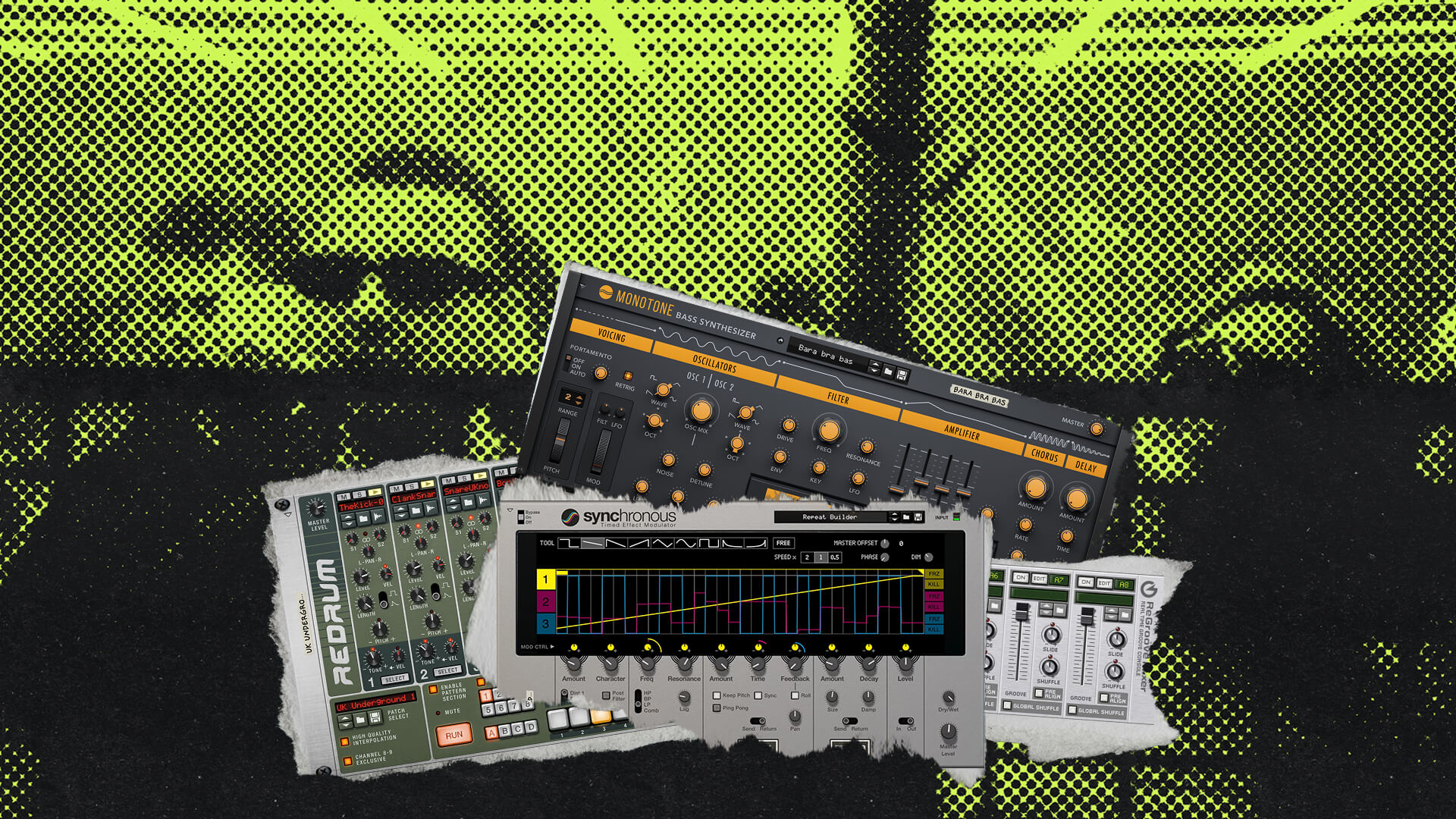
We can take that same strategy, where we took the top note off of the chords, and instead take the root note, or the bottom note, from the chords in order to create a bass line as well. Add in a Synchronous effect so that we can give the bass line some movement, and we can add in this bass line.
Counter melody, pad, and drums
A nice piano with some heavy reverb can give us a great counter melody. We can now create a pad with the chord progression that we had and add this to it. Add in a nice drum loop from Reason’s Drum Supply, and we now have this track.
Wrap-up
I hope that you guys enjoyed this video, and if you did, please be sure to give it a thumbs up. My name is Chris Reed. Thank you guys so much for watching, until next time.