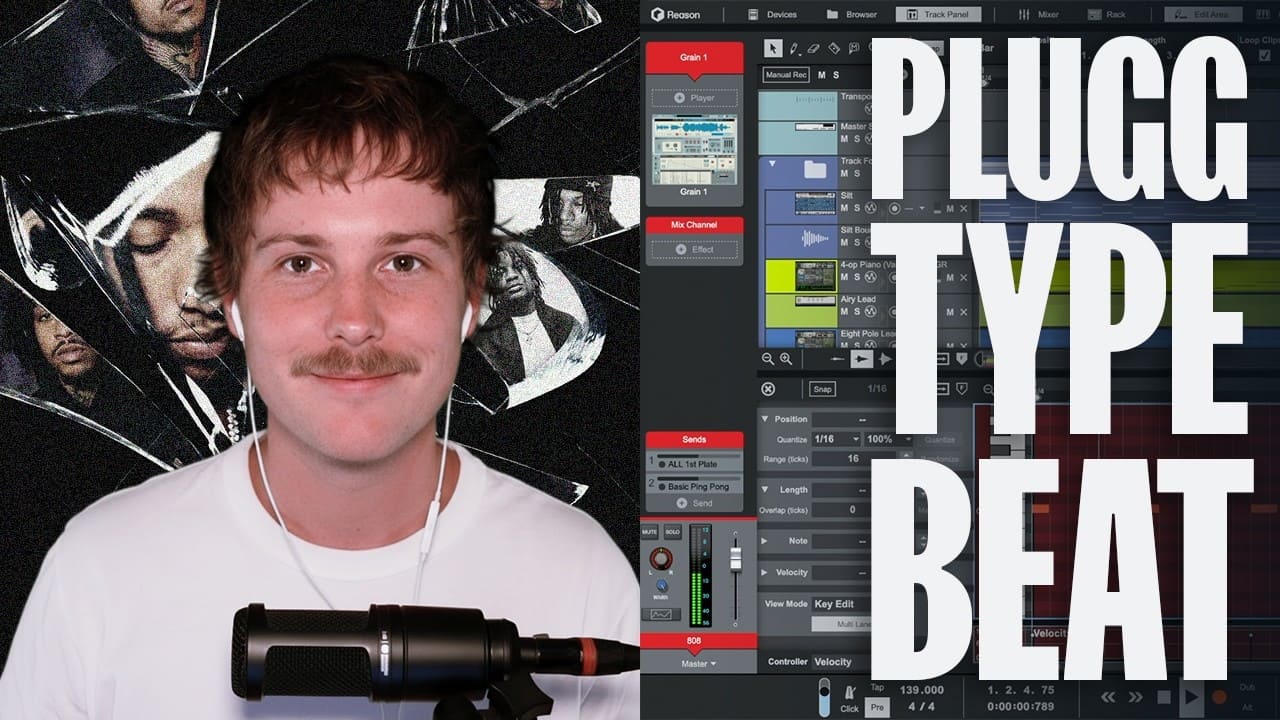
Plugg beats are some of the most fun and forgiving beats you can learn to make. The style is dreamy, laid-back, and built on space, so a handful of well-chosen sounds will get you something that feels good. If you can play a simple chord and load a sample, you can make a plugg beat today.
In this guide you will learn what plugg beats are, what you need to start, and how to build one from your first chords to a rough mix, using the same devices and moves shown in our full plugg beat tutorial video. We will follow a real workflow in Reason 14, so you can open the Rack and make a beat today.
What are plugg beats?
Plugg beats are a melodic, relaxed style of trap built on deep 808 basslines, simple chords, and sparkly bell or synth melodies, with sparse drums that leave lots of space. An 808 is a deep, often tuned bass sound derived from the long decay of a Roland TR-808-style kick, and it usually carries much of the beat’s low end.
That mix of soft melody and heavy low end is what makes the style feel dreamy instead of aggressive.
Plugg emerged from Atlanta’s underground rap scene in the mid-2010s and spread through SoundCloud, taking its name from the ‘PLUGG!’ producer tag used by the BeatPluggz collective. Where mainstream trap leans on fast hi-hat rolls and busy energy, plugg pulls back and keeps things minimal. Producers often describe what they are working on as a “plugg type beat,” and the sound has since branched into moodier variations like dark plugg and pluggnb, which folds in more R&B-style chords and vocals.
The beat is meant to leave room. Some plugg beats stay instrumental, while others sit under relaxed rapping or melodic singing, so the space you leave is part of the sound.
What you need to start making plugg beats
The good news is that you do not need expensive gear. A single DAW and a few good sounds will get you a long way.
Here is the short list that helps:
- A DAW with instruments and effects: A DAW that lets you sequence MIDI, load samples, and add effects will do the job.
- Some 808s and drum one-shots: A deep 808 and a few crisp hits give you the low end and rhythm plugg is built on.
- A soft melodic instrument: A pad, bell, or electric piano sound gives you the warm chords plugg is known for.
If you already produce in another DAW, the Reason Rack runs inside it as a plugin, so you can bring these sounds into your usual setup.
Building a plugg beat, step by step
We will move in the same order you would inside Reason 14, starting with your workspace and ending with a rough mix. Take your time with each step, and feel free to experiment. There is no single right way to make a beat, so treat this as a path you can bend to your own taste.
Set up your workspace
A tidy workspace keeps you in the flow, so get it ready before you make a sound.
Start a new song and keep the arrangement view open, where you lay out your track over time. Set a relaxed tempo that fits the easy feeling you are after. Plugg beats typically sit between 130 and 150 BPM, though a lot of producers program them with a half-time feel, so the beat plays back closer to 65-75 BPM while the hi-hats still move at the faster tempo underneath.
Then open the Track Panel on your track so your sounds, levels, and sends stay within reach, and turn on the on-screen keys so you can play ideas straight from your computer keyboard. That is all the setup you need.
Build your melody
Plugg lives and dies on a simple, warm chord progression, so this is where the mood is set.
Load the Polytone synth in the Track Panel and play a slow set of soft chords in a minor key. Keep it short, since two or three chords are often all you need.
Want a different flavor? Hit the folder icon to browse Patches without opening the full Rack, and audition sounds until one feels right. Polytone’s dual-layer design also makes it easy to blend a bright bell in Layer A with a warmer pad in Layer B, which is a fast way to land the sparkly-but-soft tone plugg melodies are known for. If you want to go deeper on how Layer A and Layer B interact, the full Polytone guide walks through it.
Now add a delay on the mix channel to give the chords depth and air. Push a little into the sends if you want even more space around them.
Resample and flip your chords
Flipping your chords is a classic plugg trick that turns a plain progression into something dreamy.
Bounce the chords in place, then work with the new audio clip using the Slice tool. Once you’ve finished reversing it, unmute the original chord clip if you want to layer the two.
Next, slice the audio at the start of each chord so you can reverse the chords individually while keeping the progression in the same order. Double-click the clip to open the Edit Area, move the playhead to each slice point, and cut. With Snap on, the playhead locks to the grid, and in the Edit Area you can place it freely.
Now select the slices and reverse them. Each chord plays backward, which gives you that swelling, washed-out feel plugg is known for.
Finally, open the clip and add small fades in and out so the slices do not click. Layer the delayed bounce under your original chords, and the two blend into a thick, hazy texture.
Clean up your sounds with the built-in EQ
Bring up the built-in EQ on your melody track and use a high-pass filter to roll off the low end. This clears room so your 808 owns the bass and nothing turns muddy.
Once your melodic tracks are clean, shift-select them, right-click, and choose Create Track Folder. Grouping them keeps the arrangement tidy as it grows.
Program your drums with Grain
Add Grain as an instrument Device, then right-click and choose Reset Device so it loads empty. Hit Browse Sample and pick an 808.
Often the waveform shows only part of the sample, so drag it out until the whole 808 plays. Set the voices to 1 so notes do not overlap, then switch to one-shot mode.
Now shape the tail. Raise the release in the amplifier’s ADSR (the envelope that controls how a sound starts and fades) so the 808 rings out fully, and reach for Grain’s built-in distortion if you want a little grit. For an even grittier or more analog-flavored 808, you can also patch the sound into D-11 Foldback Distortion on its own channel.
Then do the same with a hi-hat, and add a couple of snares to build a counter rhythm. If you want to understand more of what Grain can do beyond one-shots, like true granular textures for pads and risers, this Grain granular synthesis tutorial is a good next stop.
Arrange with the loop feature
Once you have a two-bar drum pattern you like, you do not have to redraw it.
Grab the loop handle at the top of the clip and drag it out to duplicate the pattern into a simple foundation. From there, arrange the rest of the beat by dropping parts in and out.
Add a drum sample on an audio track for extra flavor, and keep an eye on the meters so your levels stay in check.
Mix and master
A light touch keeps a plugg beat warm, so make small moves and listen often.
Pull up the Mixer and just listen, away from the sequencer, so you tweak with your ears instead of your eyes. A go-to move here is a soft clipper on the mix bus, like the Soft Clip section built into MClass Maximizer.
Open the Rack to access your global Send FX, like RV-9 Reverb Station or The Echo. Then use each channel’s send controls to feed as much signal as you want into those effects. If you want a final mastering pass, MClass Equalizer is worth adding before the Maximizer to clean up the low end. If you lean on third-party VSTs, choose Add Effect Device and scroll past the native options to load one.
How to get a darker plugg sound
Dark plugg keeps the spacious, minimal foundation of classic plugg but gives it a darker atmosphere. Minor-key melodies, eerie bells, detuned synths, muffled textures, and longer reverb can all help create a more haunting sound.
Keep the drums relatively sparse so the melody and ambience have room to breathe. The 808s can still be melodic, but they are often made to feel heavier or more ominous through note choice, distortion, saturation, or a darker mix.
Classic plugg generally feels more open and melodic than mainstream trap. Plugg often uses simple, dreamy melodies, spacious arrangements, melodic 808 patterns, and restrained hi-hats. Mainstream trap tends to put more emphasis on hard-hitting drums, rapid hi-hat patterns and rolls, and a denser rhythmic feel.
These are tendencies rather than strict rules. Both styles can be dark, minimal, melodic, or aggressive depending on the producer and artist.
Why space matters more than any single sound
If there is one lesson that connects every step above, it is that plugg is a genre defined by what you leave out, not what you add.
A new producer’s instinct is often to fill every gap: another layer on the chords, another hi-hat roll, another effect on the master. Plugg works the opposite way. The reversed chord flip only sounds dreamy because it sits in open space. The 808 only feels heavy because the drums around it are sparse. The mix only feels warm because the processing is light.
Once that clicks, the rest of the genre becomes a lot easier to hear and to build, whether you are keeping things airy or pushing into a darker, heavier variation.
Common mistakes to avoid when making plugg beats
A few small habits can pull a plugg beat away from that easy, floating feel. Watch out for these as you build.
- Over-layering: Stacking too many sounds crowds the beat, so add a part only when it earns its place.
- Too many hi-hats: Busy hi-hat rolls belong in mainstream trap, while plugg wants them used sparingly.
- Leaving no space: Silence is part of the style, so let parts drop out and let the 808 breathe.
- Skipping the EQ cleanup: Without a high-pass on your melodies, the low end turns muddy and your 808 loses its punch.
- Over-processing the mix: A light touch on the mix bus keeps the beat warm, so avoid crushing it with heavy processing.
Conclusion
Plugg beats reward simple choices, so the moves you just learned will take you a long way. Start with a warm chord progression, flip it with the Slice tool, shape your 808s and hi-hats in Grain, and leave plenty of space in the arrangement.
Ready to make your first plugg beat?
Frequently asked questions
What is a plugg beat?
A plugg beat is a relaxed, melodic style of trap built on deep 808 basslines, simple chords, and sparkly synth or bell melodies, with sparse drums that leave plenty of space.
What genre is plugg music?
Plugg music is a subgenre of trap that emerged in the mid-2010s and spread on SoundCloud, known for its dreamy, minimal, and atmospheric sound.
What BPM are plugg beats?
Plugg beats often sit around 130–150 BPM but use a half-time feel, so a 140 BPM beat can feel more like 70 BPM.
Do you need expensive gear to make plugg beats?
No, you only need a DAW with some instruments, effects, and a few 808 and drum samples, which is enough to make a full plugg beat.
What is the difference between plugg and pluggnb?
Plugg keeps things minimal and laid-back, while pluggnb fuses that style with R&B and adds more melodic, layered synth leads.
How do you mix plugg beats?
Clean up each track with a high-pass EQ so the 808 owns the low end, then add a soft clipper on the mix bus and use light reverb and delay for space.
What software can you use to make plugg beats?
Any DAW works, and Reason 14 is a strong fit because its Rack, Grain sample manipulator, and large sound library let you build the whole beat in one place.